Redesigning the Customer Profile Page
Period
2023.04 - 2023.11
Company
ChartMogul
Tools
Figma, Notion, Slack
Project Overview
Improve the design after renewal of the profile page for B2B customers
After ChartMogul's CRM feature launch, we redesigned the customer profile page to serve both CRM and non-CRM users, ensuring all users could access key information without unnecessary friction.
As a product designer, I led the design from initial wireframes through stakeholder reviews to final QA, ensuring the output aligned with both user needs and product goals.
Context
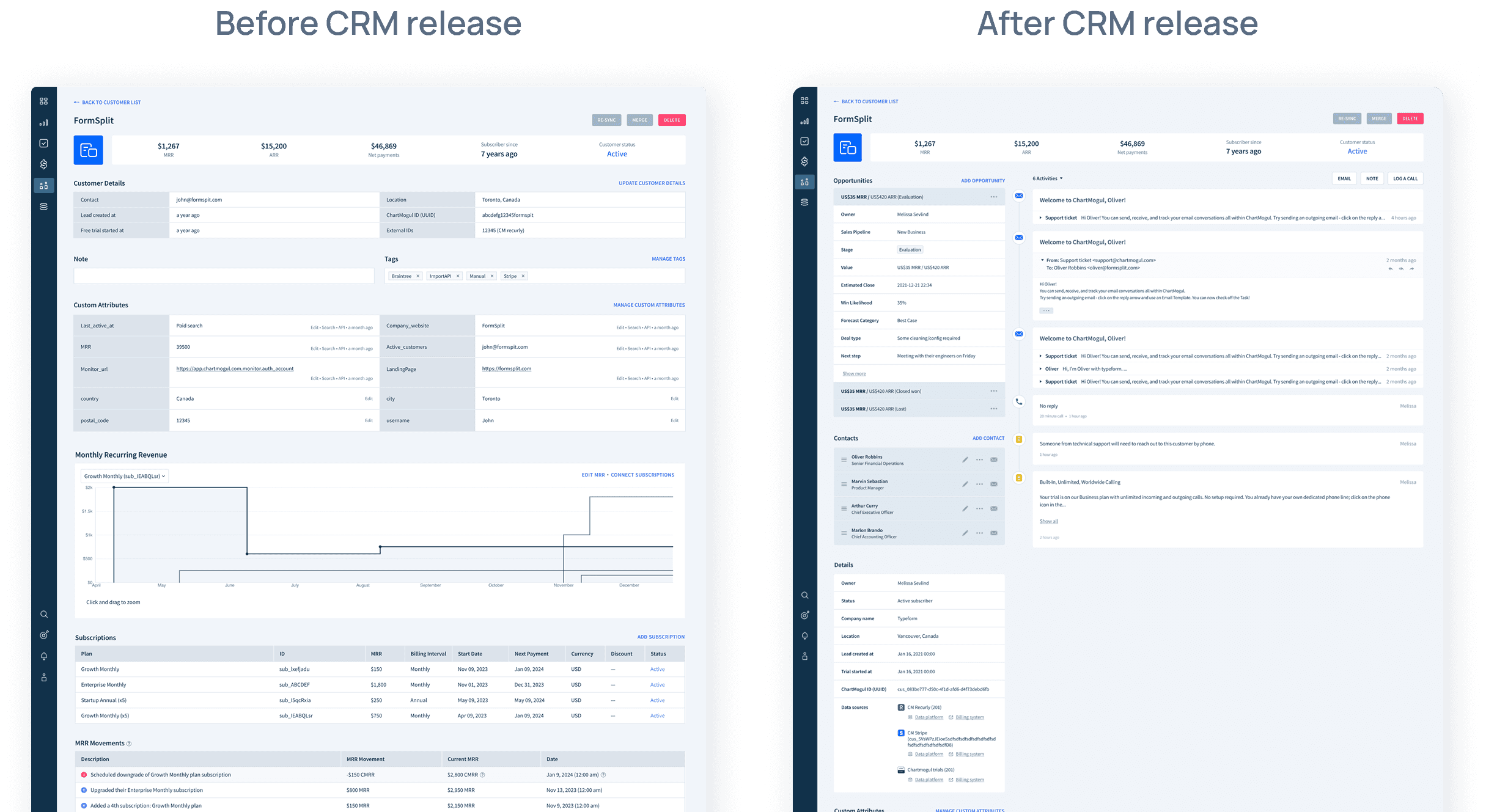
ChartMogul, subscription analytics platform, released CRM feature.
ChartMogul is a B2B SaaS subscription analytics platform. As CRM usage grew among users, we launched a CRM feature in 2023 that required a full redesign of the customer profile page — adding new components for customer management.
Problem statement
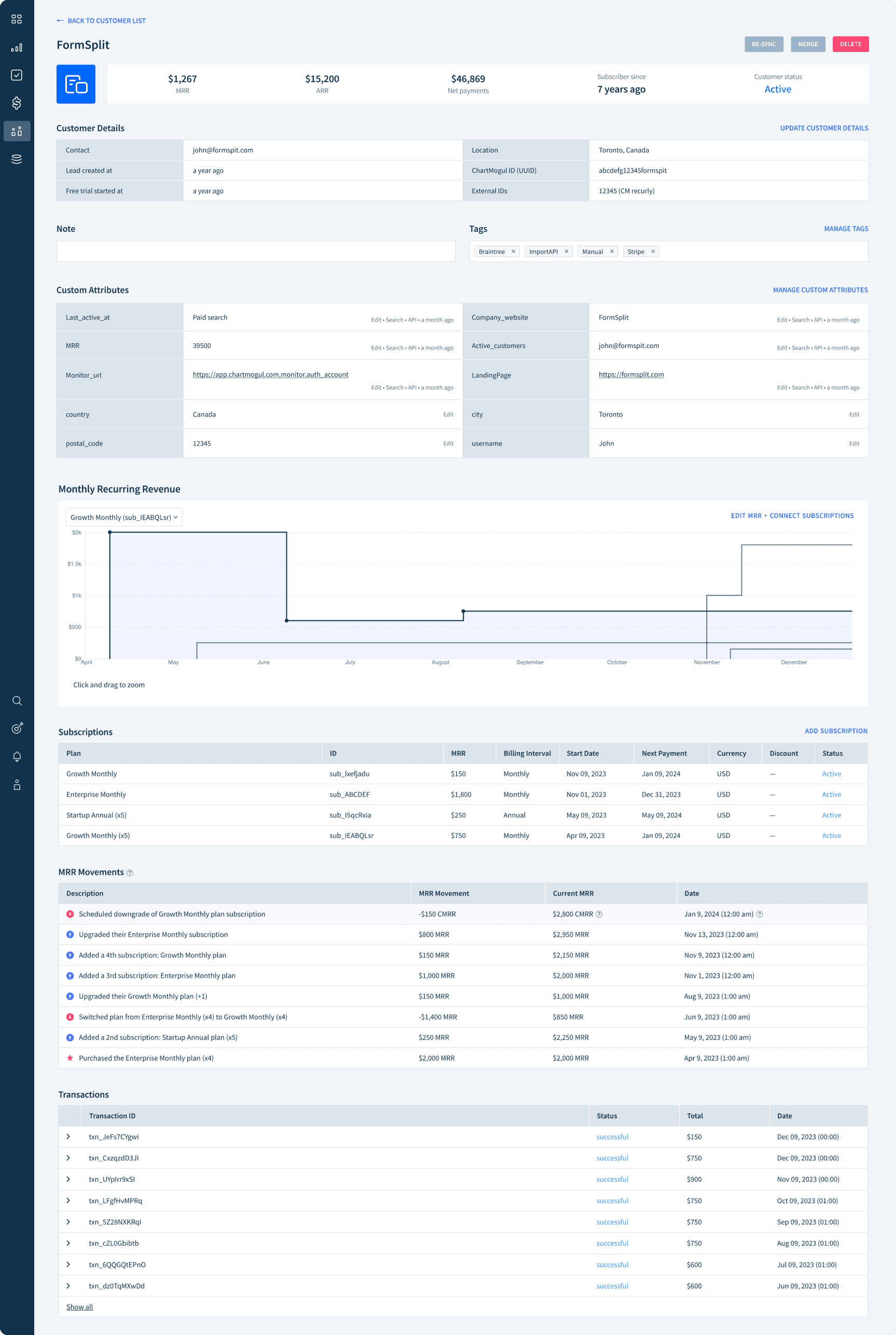
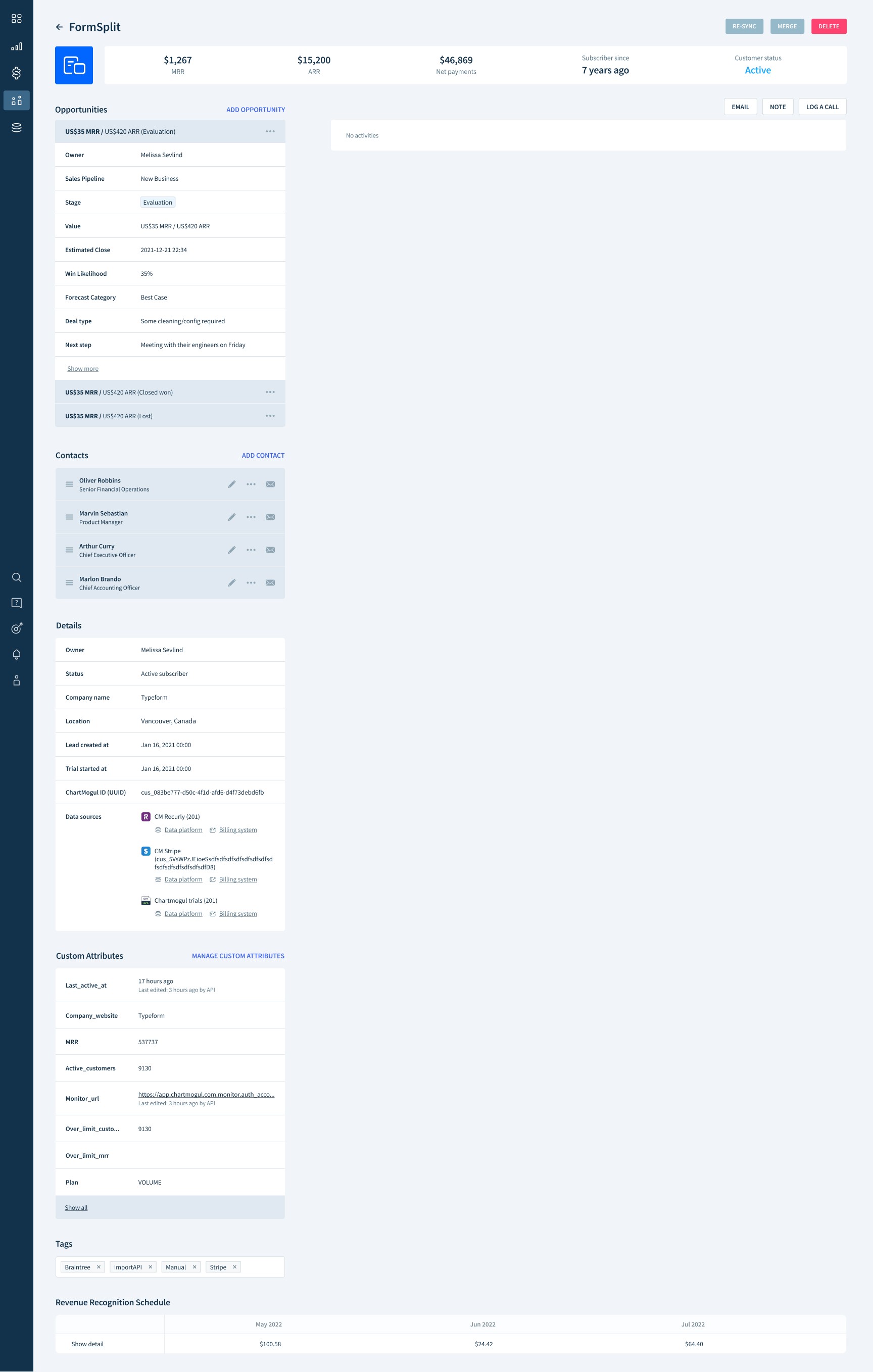
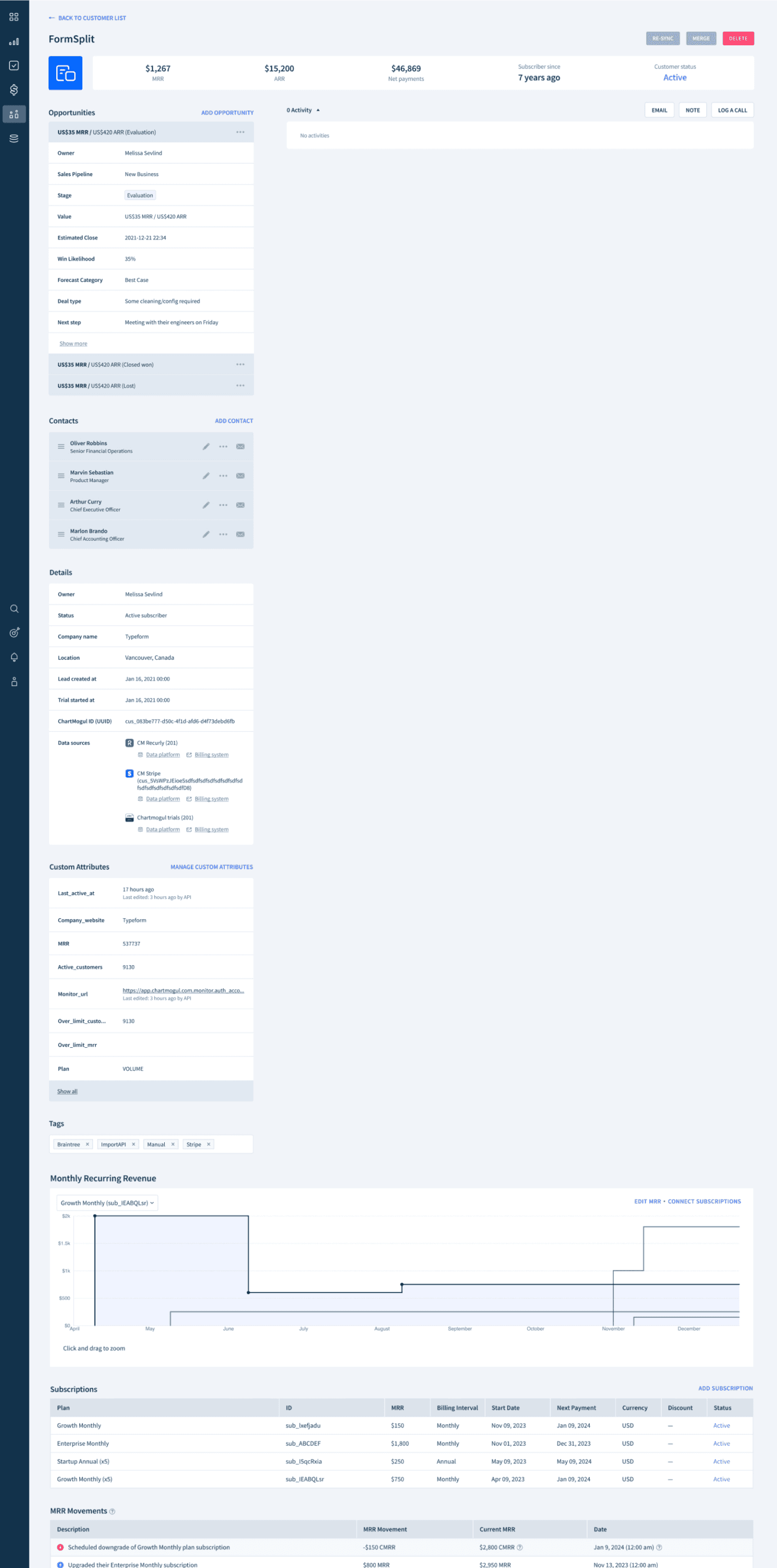
The CRM redesign left large empty spaces for non-CRM users, forcing them to scroll more to reach key information.
The restructured page worked well for CRM users, but left the right section empty for others. This imbalance meant users had to scroll significantly to access essential data.
Feedback from the users who didn’t actively use CRM:
How might we enable users, including non-CRM users, to efficiently access and view customer profile information?
Goals
Ensure the new customer page serves a wide range of users effectively
Consolidate a comprehensive array of information onto a single, compact page
Design Exploration
I explored multiple design directions through iteration, gradually narrowing down to a clear approach.
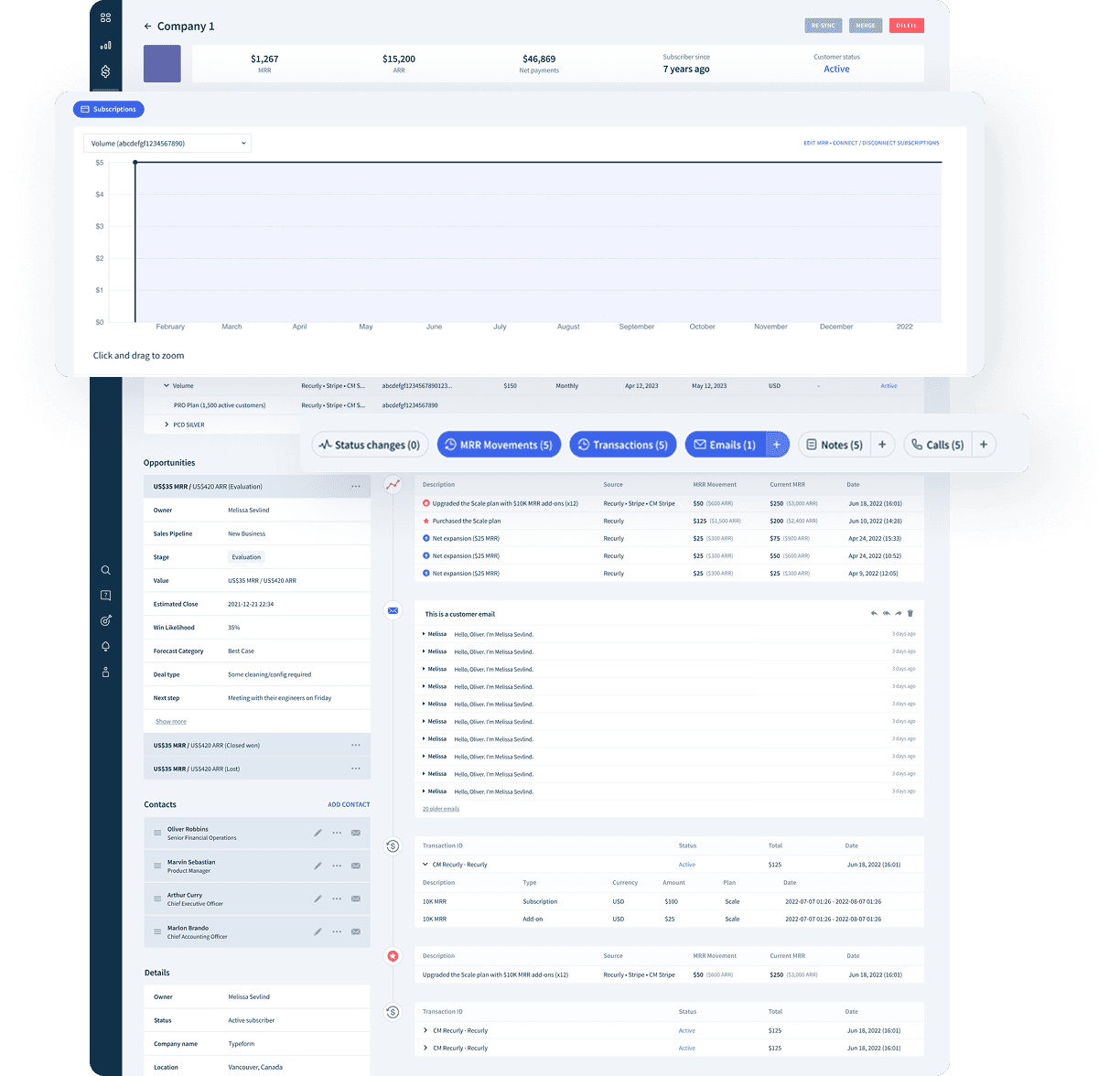
Solution 1. Chip UI for better accessibility to the each element on the page
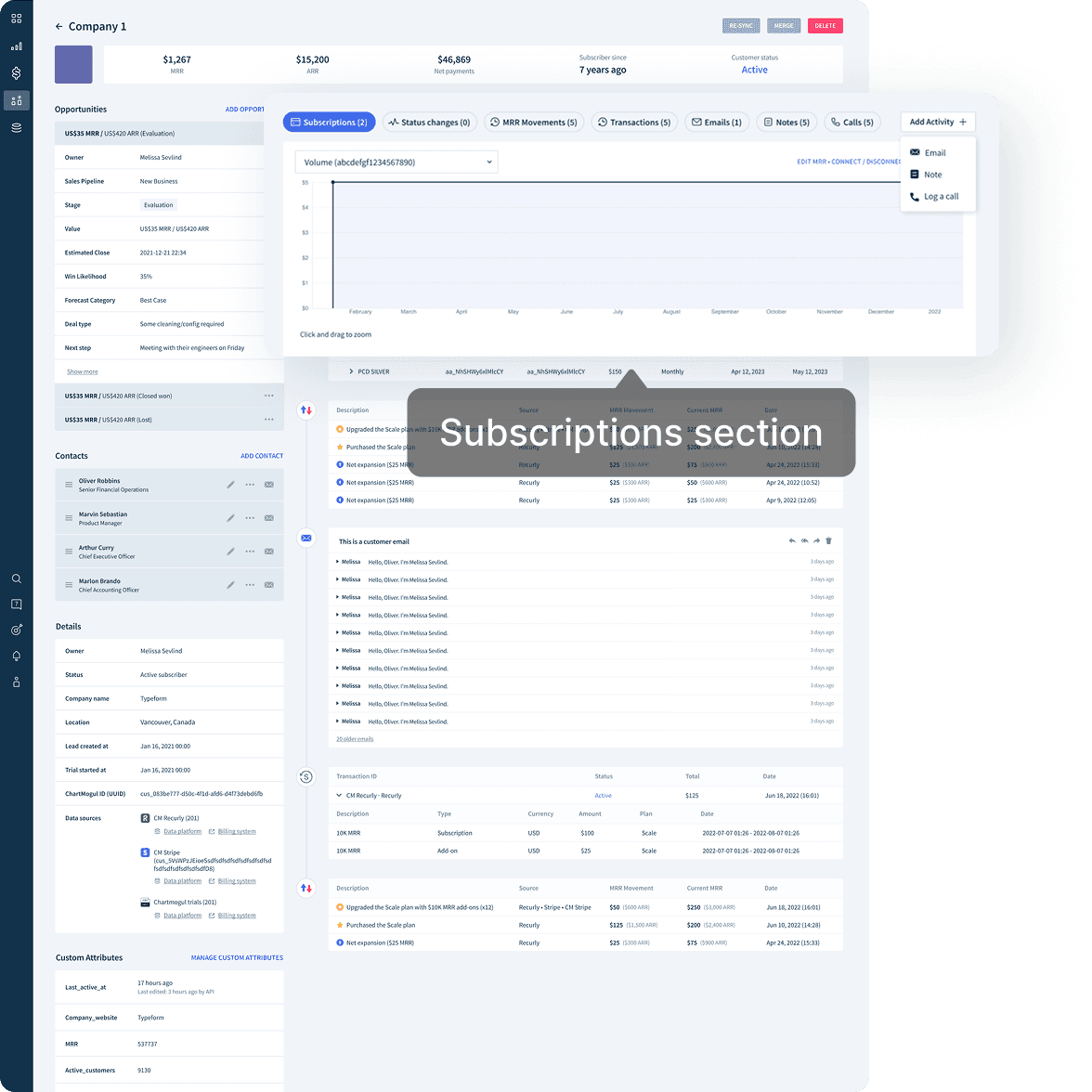
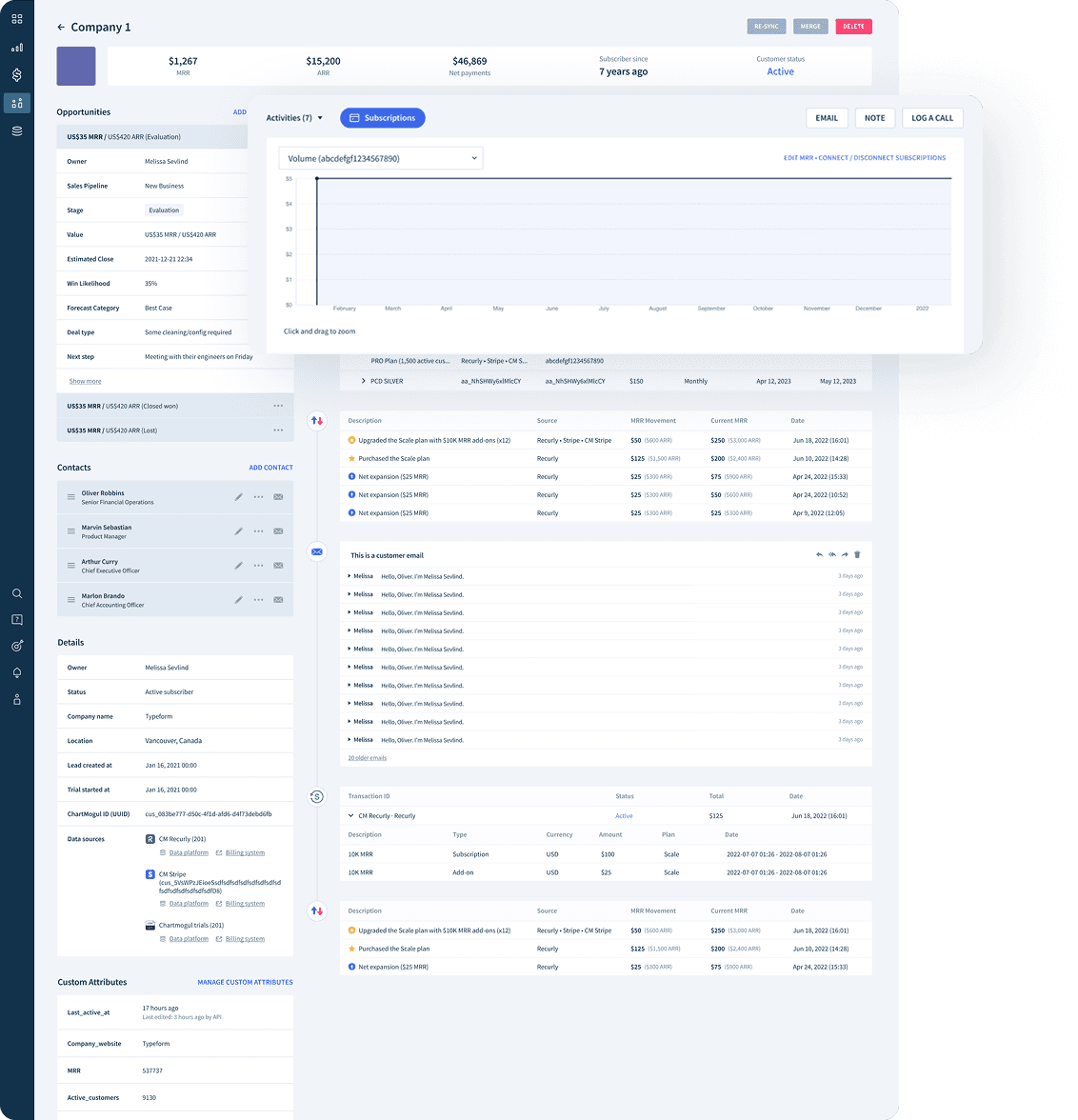
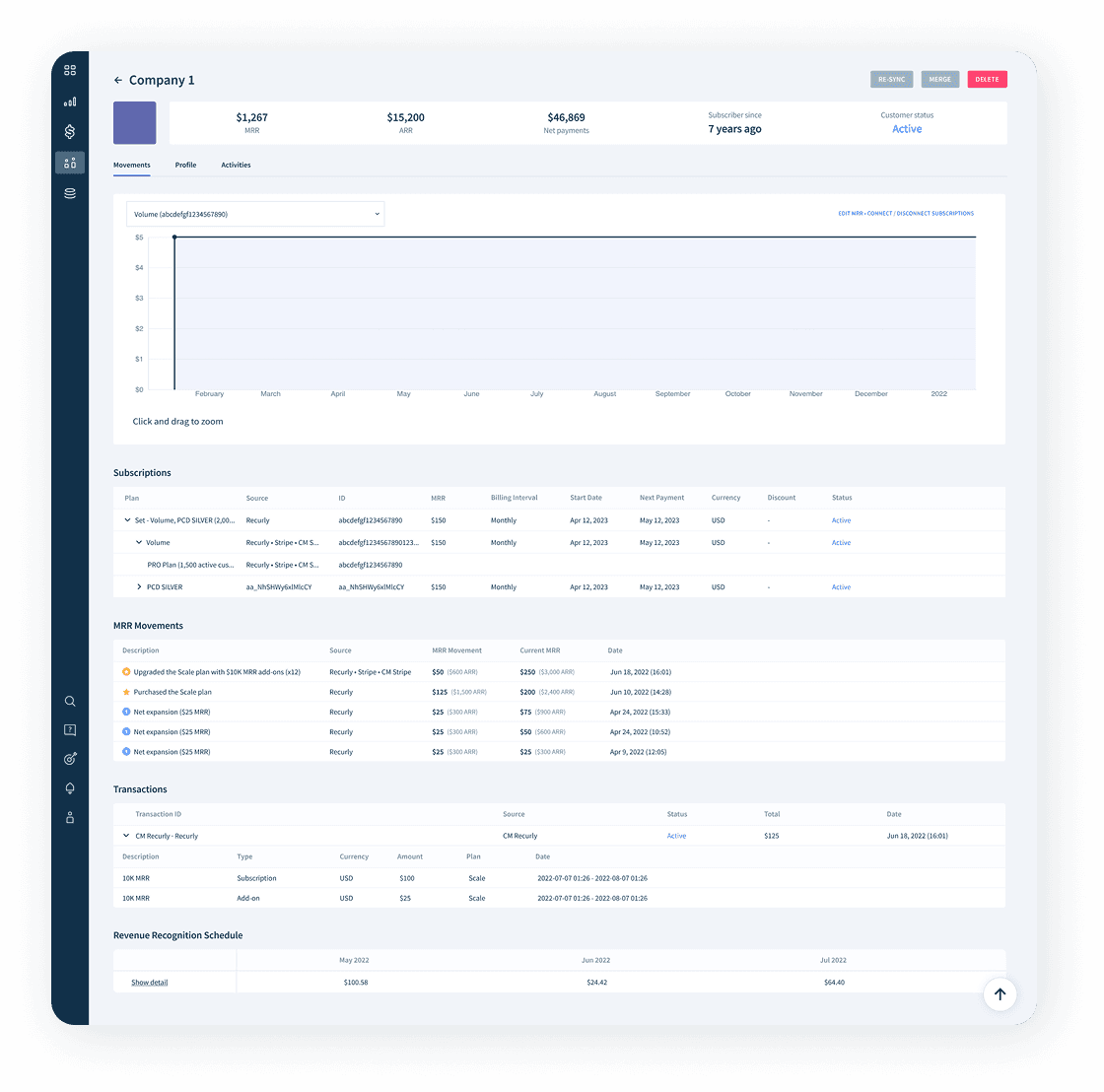
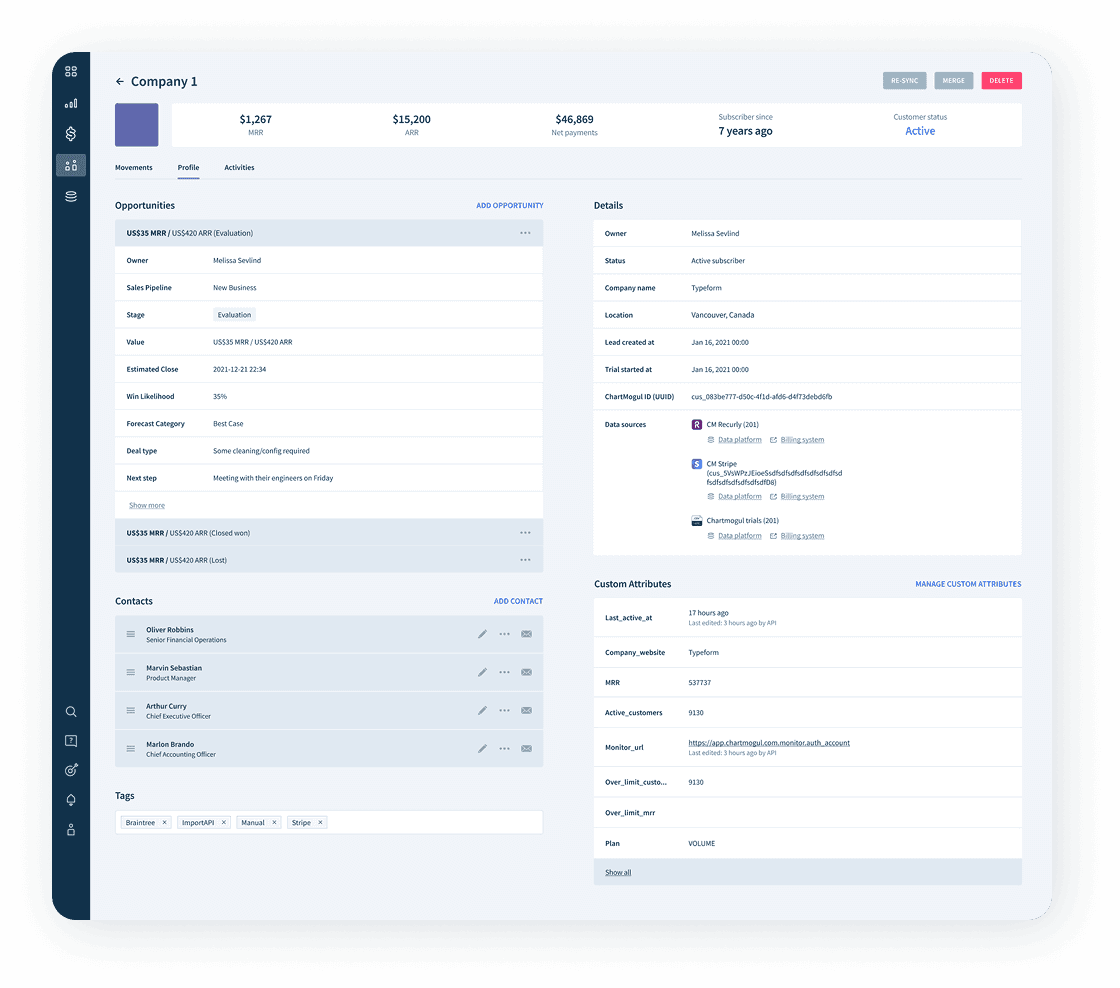
Solution 2. Separate sections into 3 taps for easier navigation
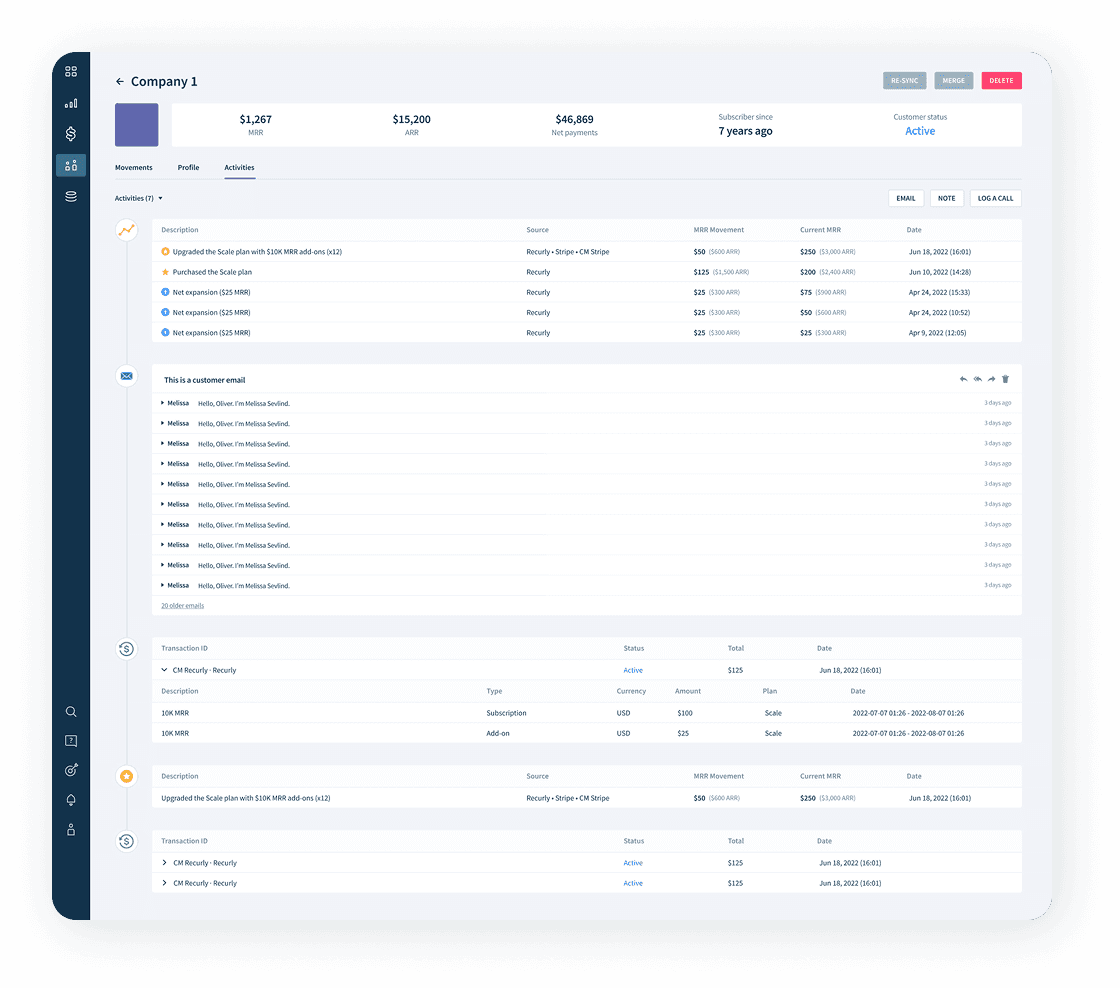
Design principles
Design Strategy
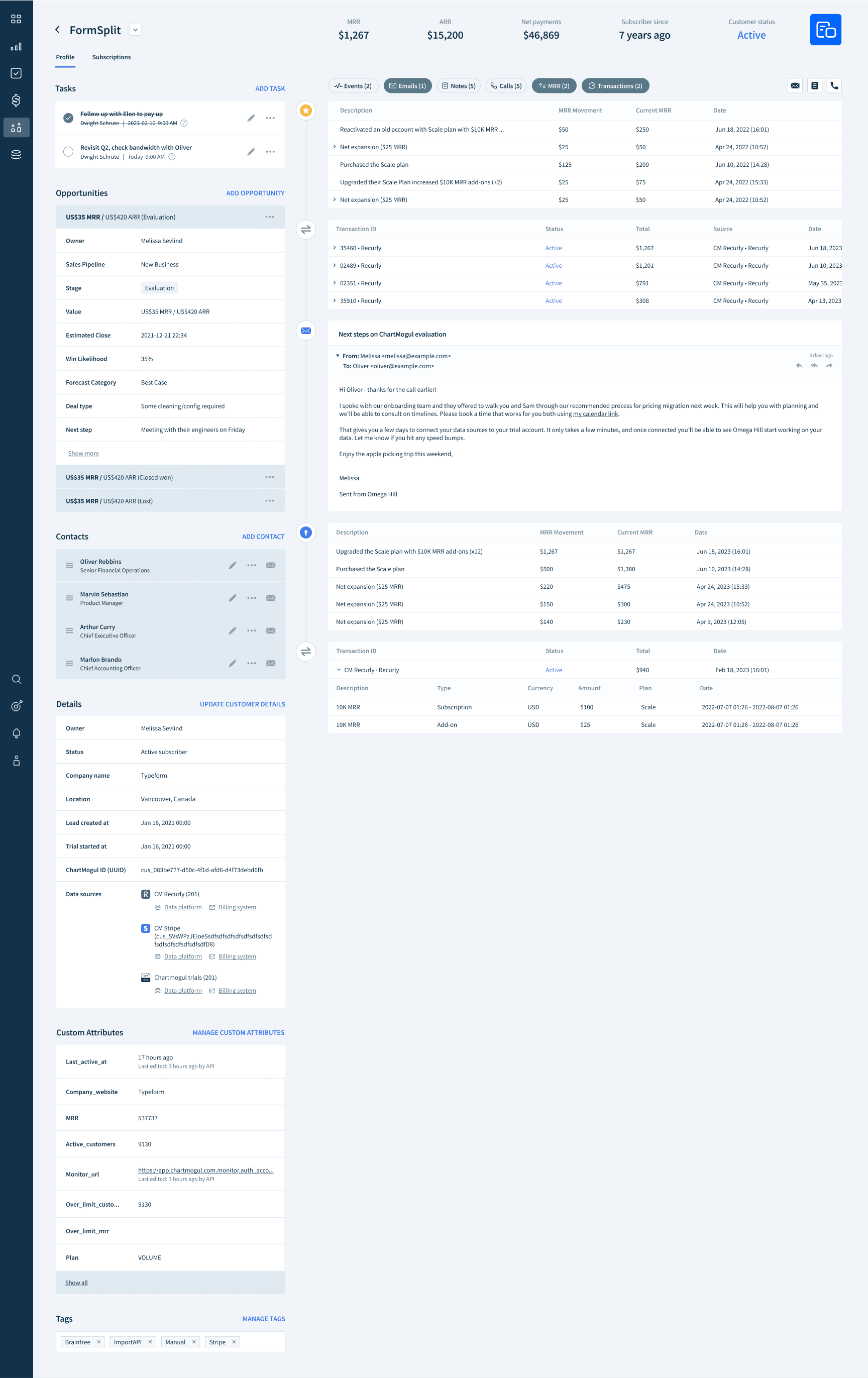
Create 2 Tabs: “Profile” and “Subscriptions”
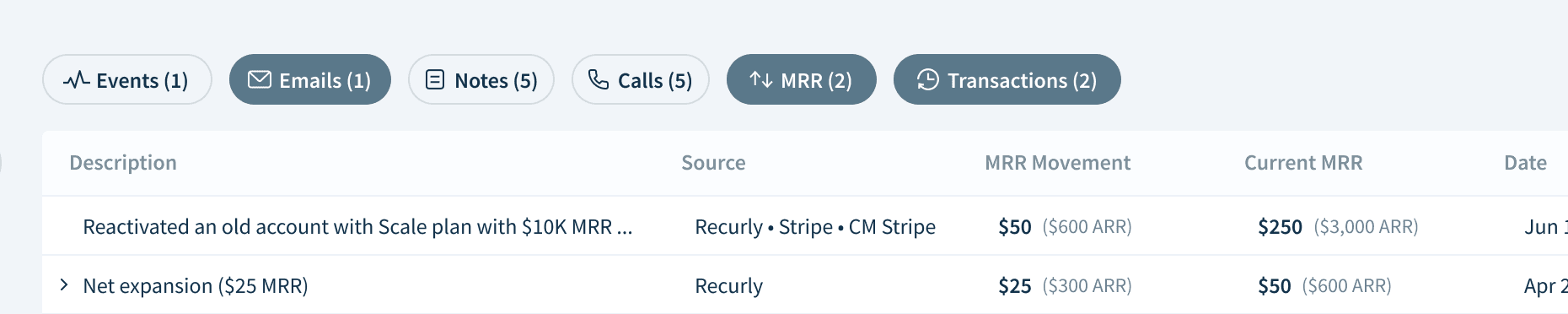
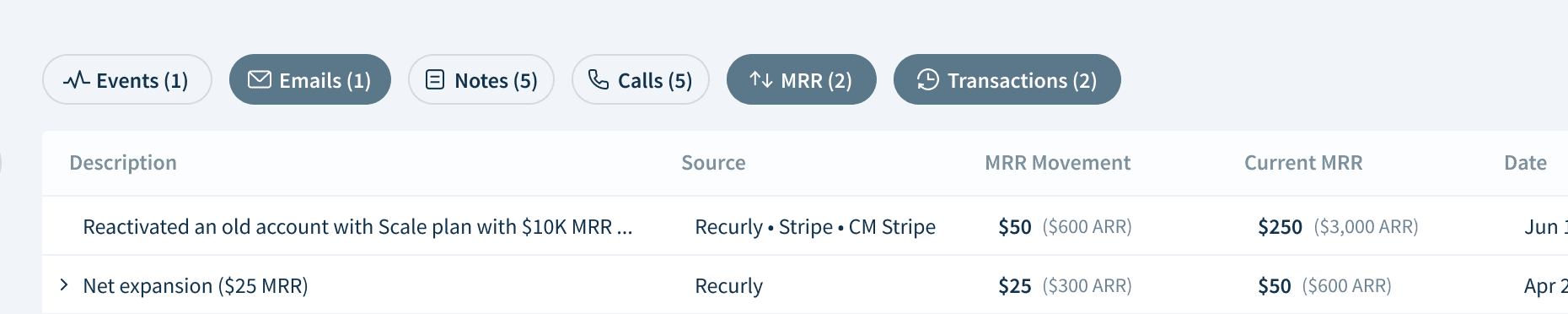
Transforming dropdown UI to chips
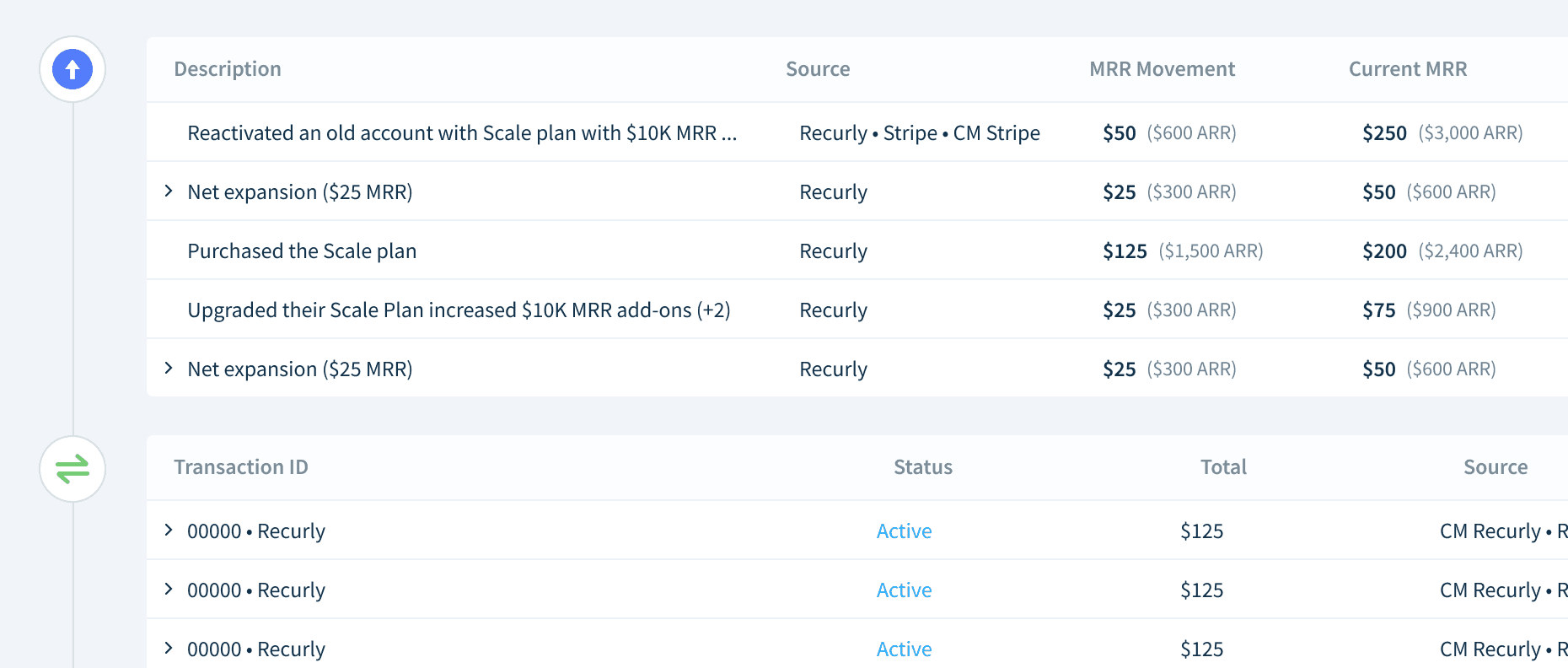
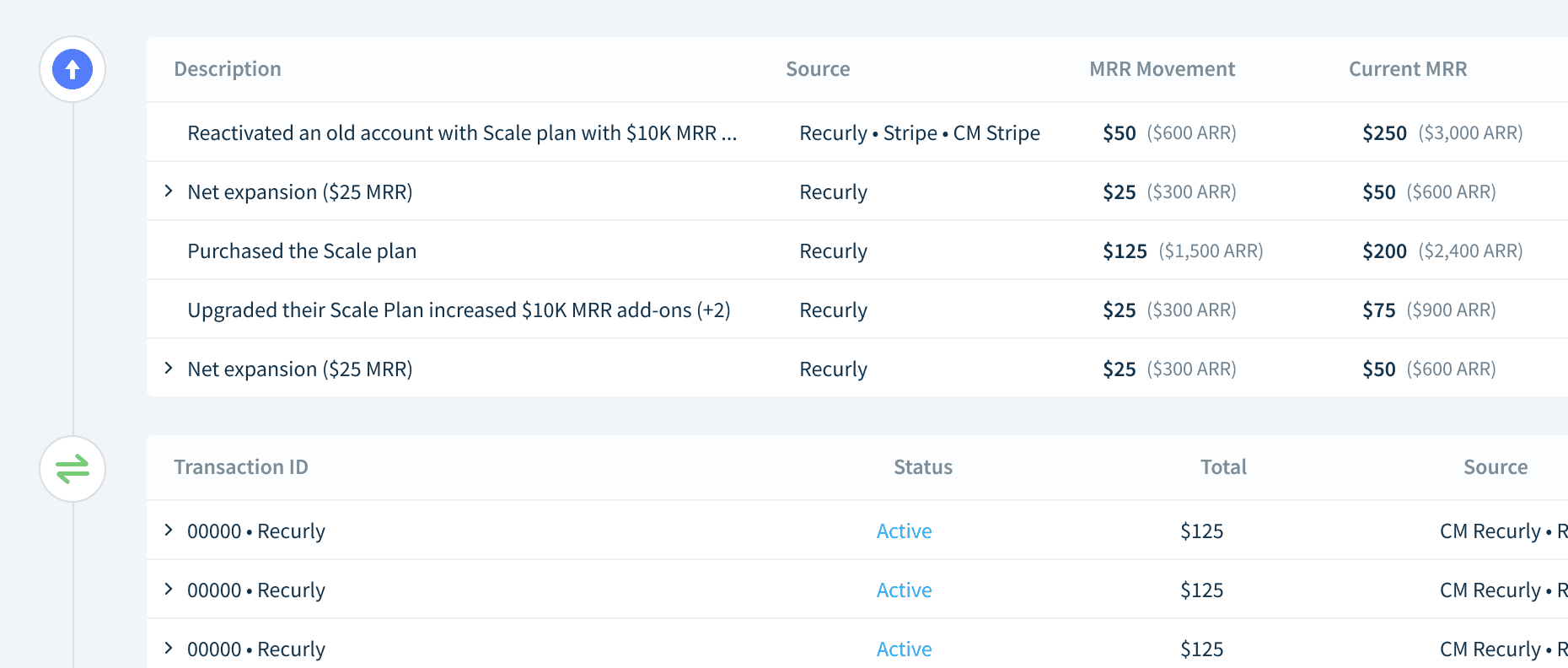
Activity section
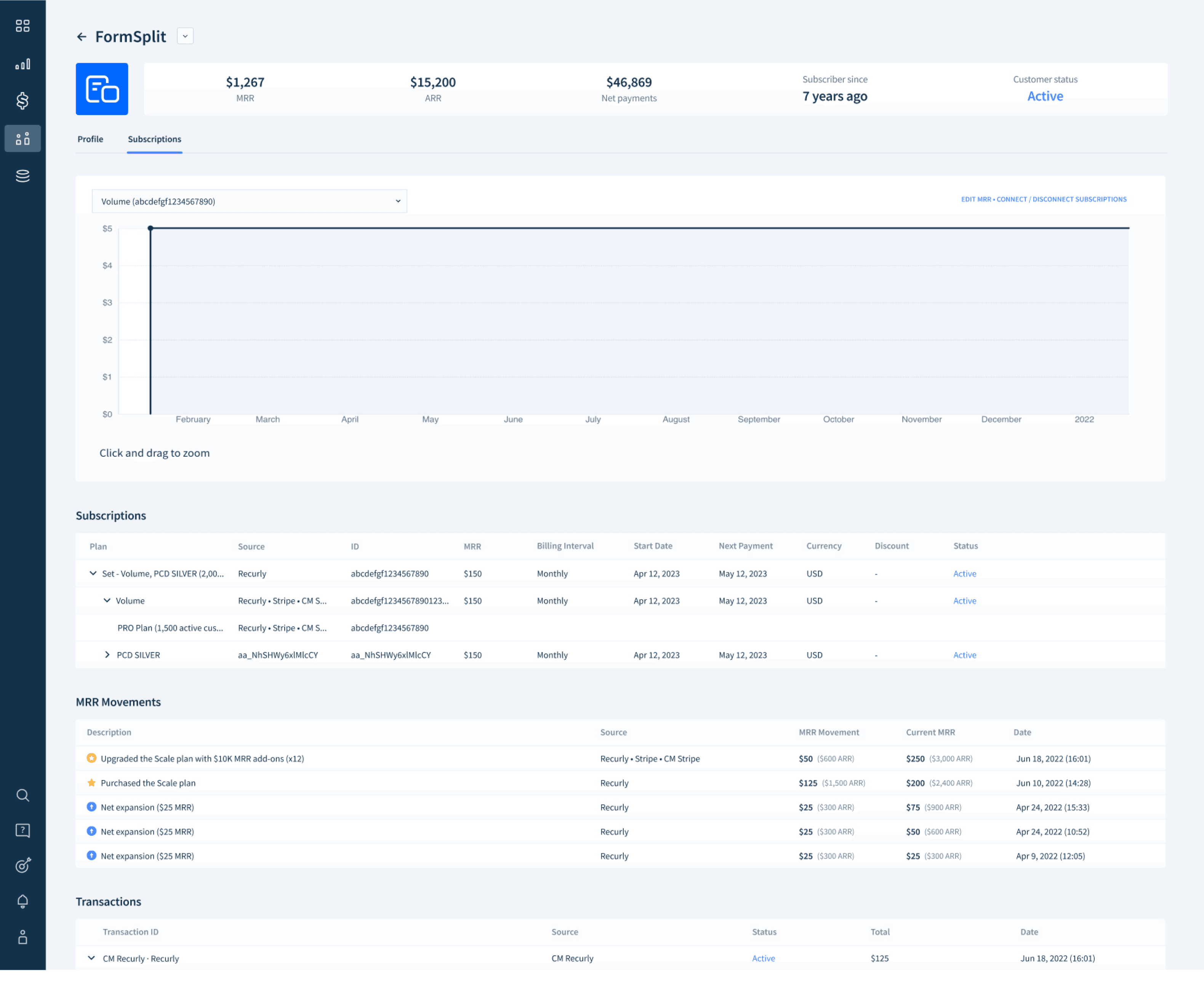

Subscriptions tab
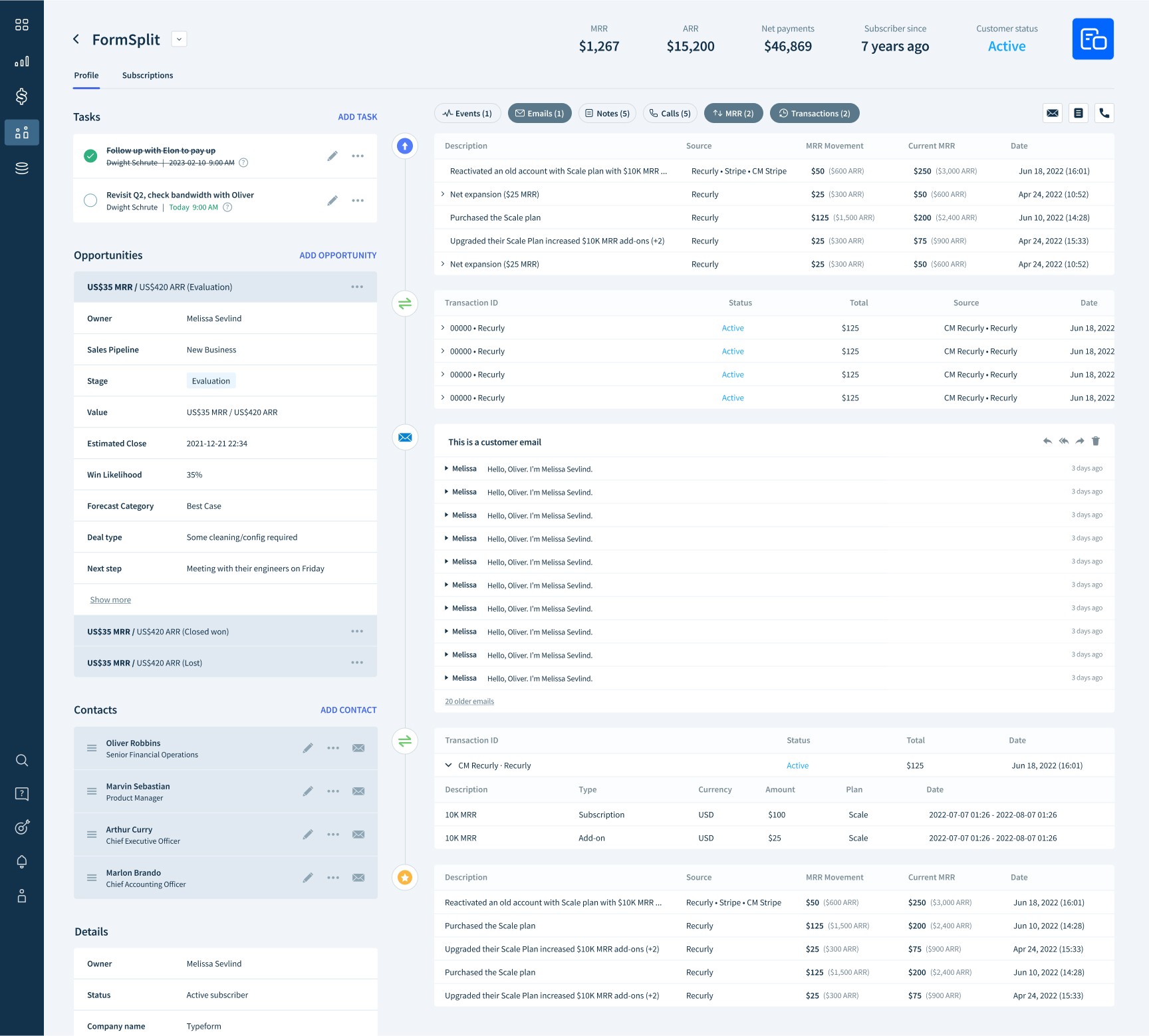
Header design
Design outcome

Refining design details during development